CenzTom
Legend
- Joined
- Sep 26, 2014
- Messages
- 2,493
- Reaction score
- 0
Hey guys,
<big><big>A new Team Like the New Day is Born.
</big></big>
<big><big>Tom Arena Mods:</big></big>
Tom Arena Links:
<big><big>Cenz PSP Belt Mods:</big></big> (If you want to see previews they are just like my PS2 ones on my Topic)
<big><big>Best...Since Day One Belts & Arena's</big></big>
Tutorials:
How to edit arenas:
How to edit belts:
CREDITS
KICK101 for teaching Tom new ways to edit arenas and for some bases for arenas.[/spoiler][/spoiler][/spoiler][/spoiler][/spoiler][/spoiler][/spoiler][/spoiler][/spoiler][/spoiler]
<big><big>A new Team Like the New Day is Born.
</big></big>
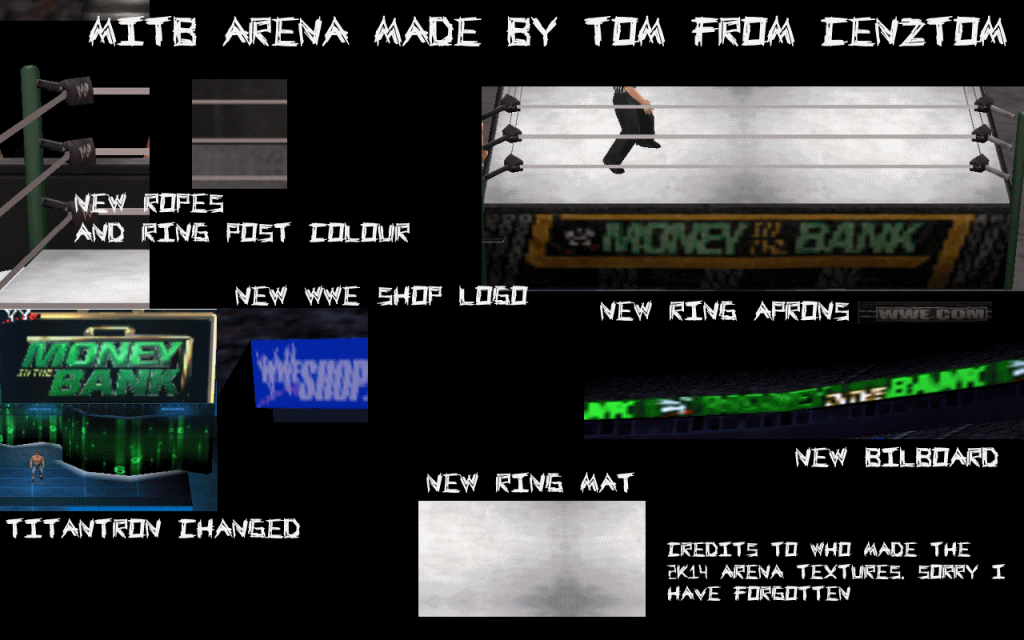
<big><big>Tom Arena Mods:</big></big>
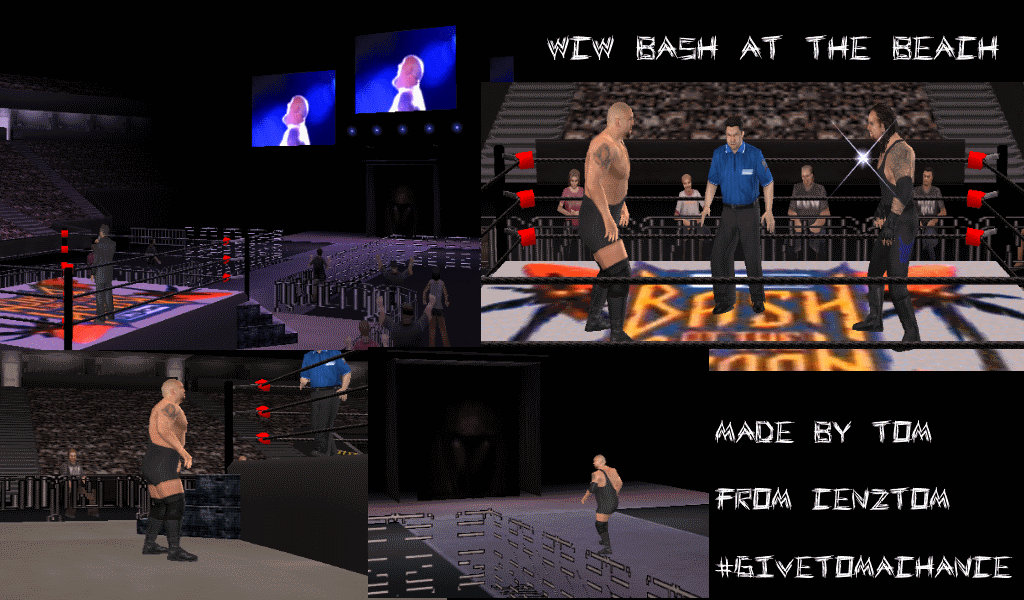
WCW Bash At The Beach:
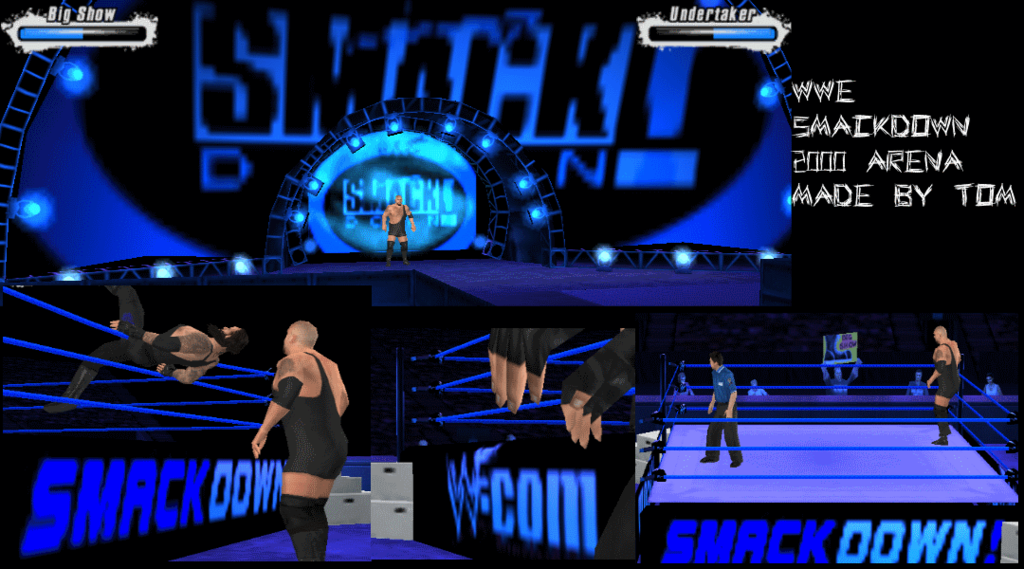
Smackdown Arena 2000:
WCW Monday Nitro

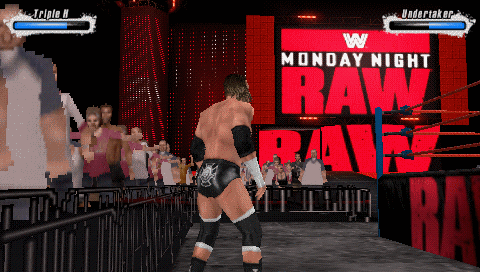
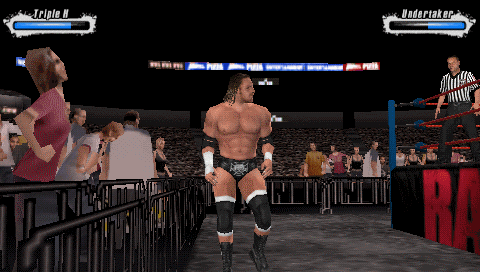
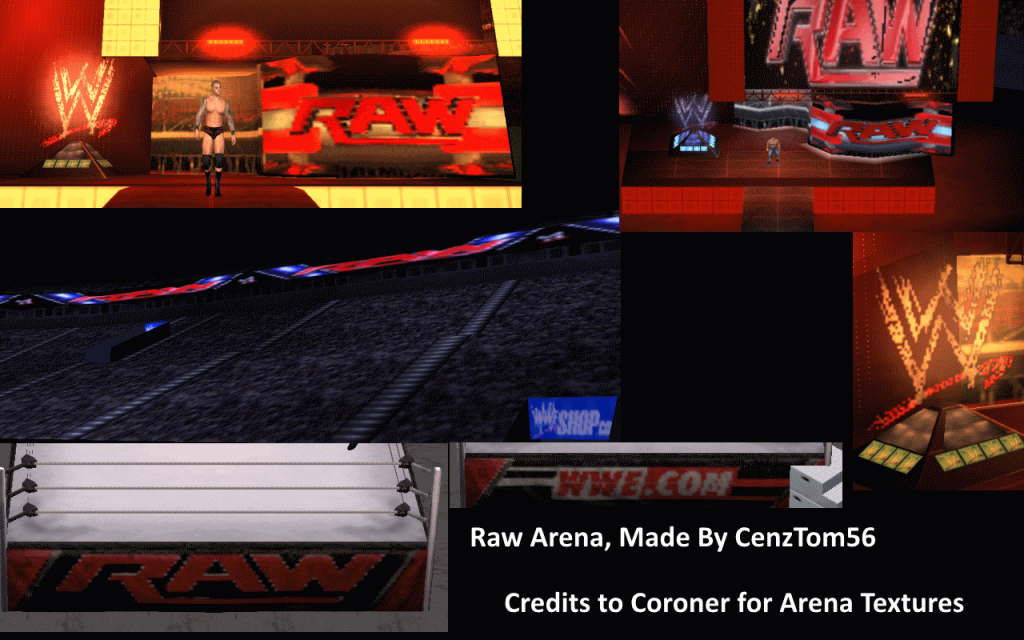
Raw 2013:
Raw 2015:

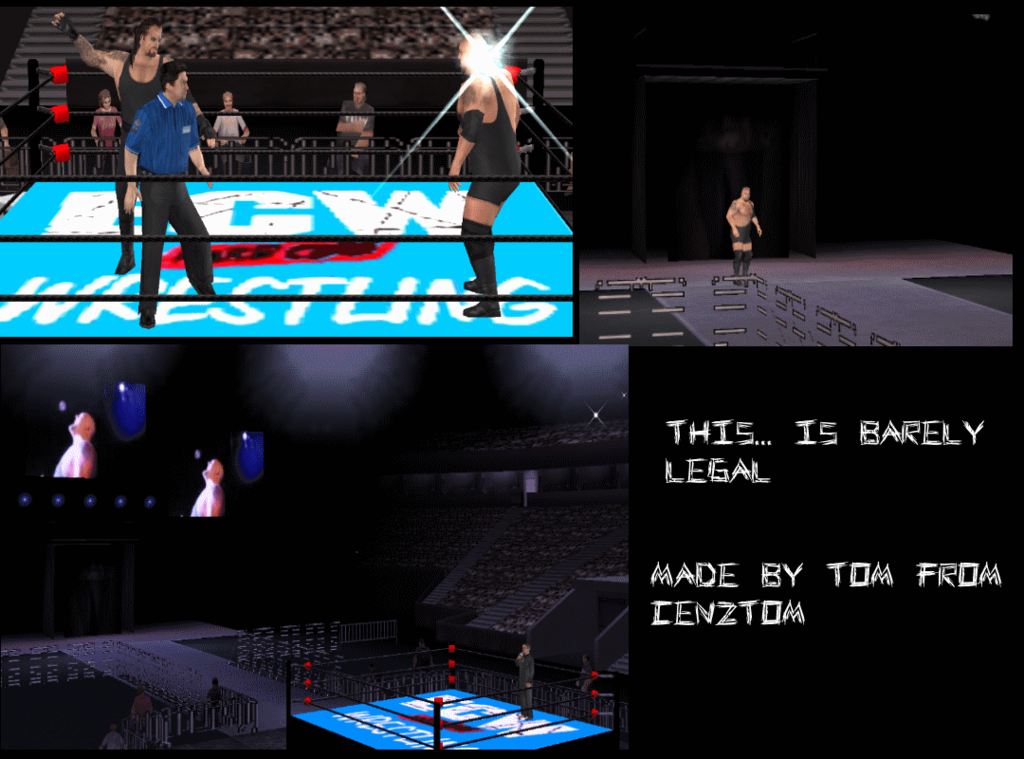
ECW Barely Legal:
WM8 Arena:
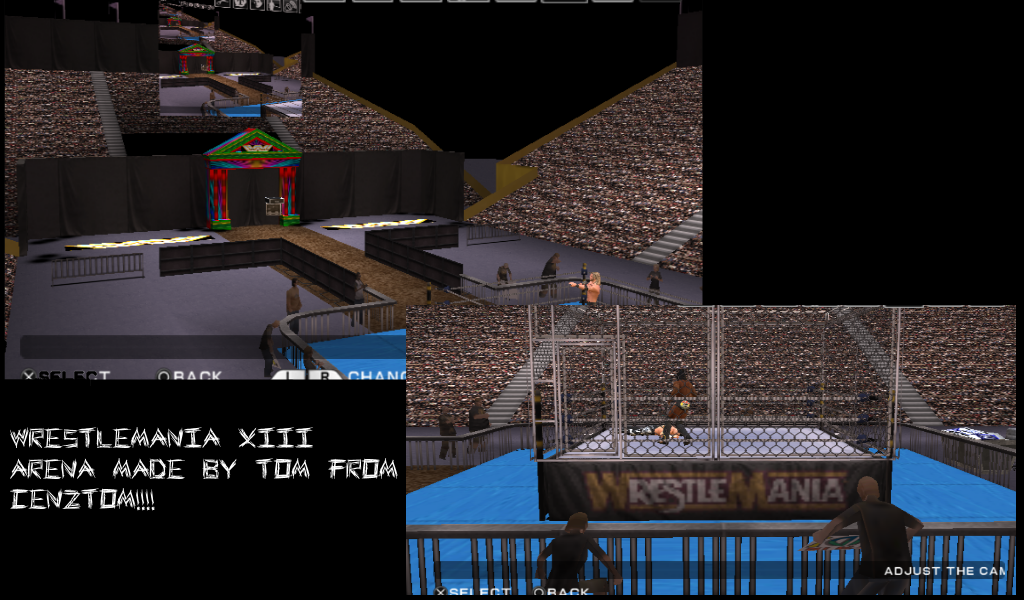
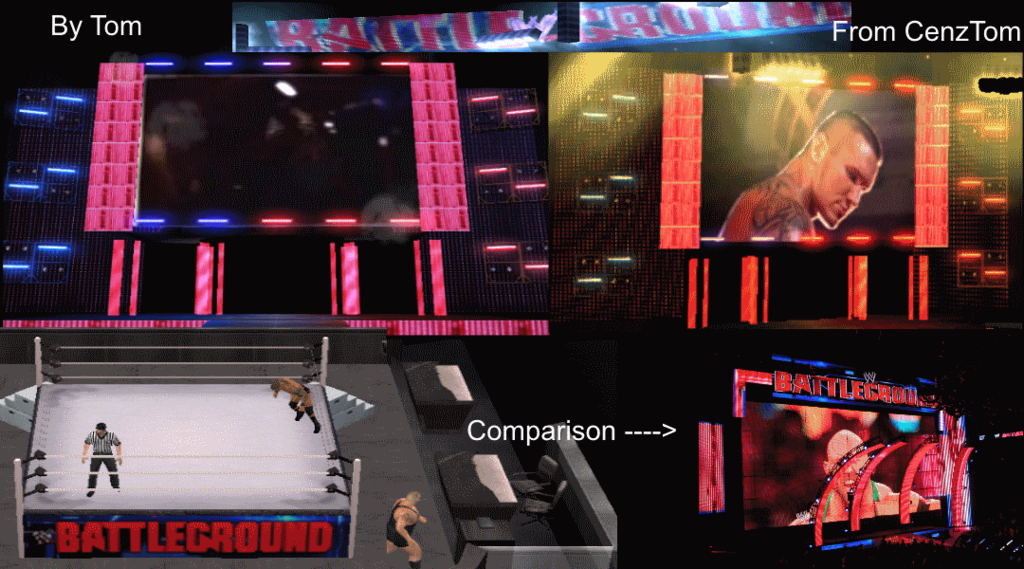
Battleground 2K15 Arena:
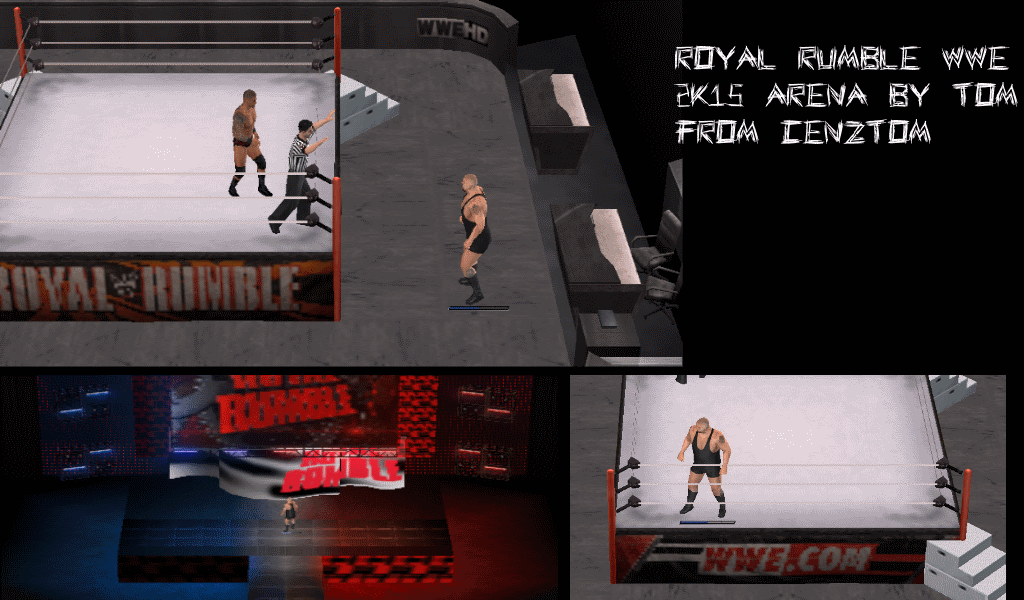
Royal Rumble 2K15:
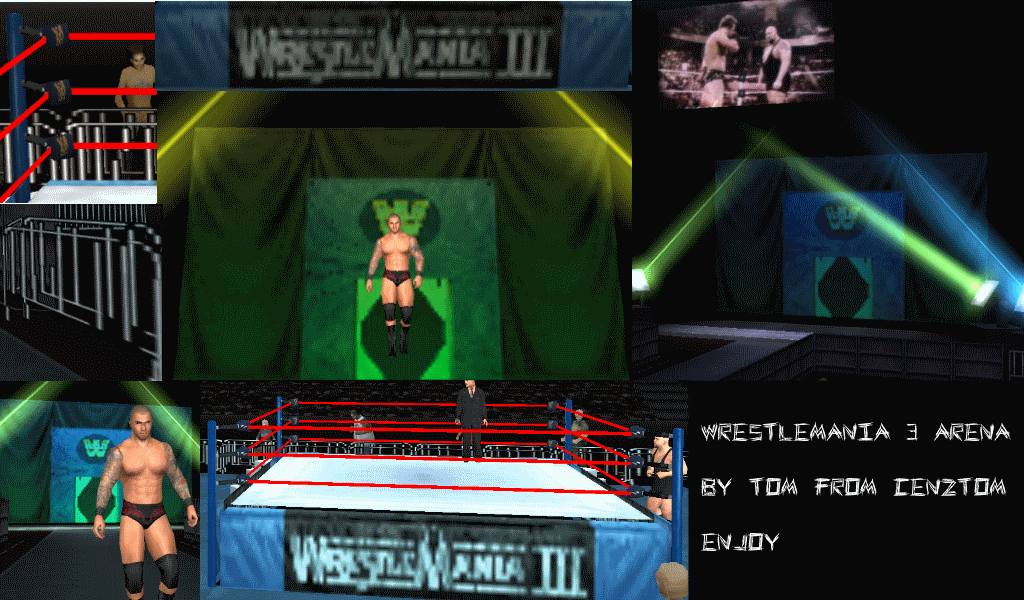
WrestleMania 3:
Wrestlemania 27:

Wrestlemania 31:

Wrestlemania 28:

Wrestlemania 29:
 NOTE: NO LONGER WIP.
Smackdown Arena 2000:
WCW Monday Nitro
Raw 2013:
Raw 2015:
ECW Barely Legal:
WM8 Arena:
Battleground 2K15 Arena:
Royal Rumble 2K15:
WrestleMania 3:
Wrestlemania 27:
Wrestlemania 31:
Wrestlemania 28:
Wrestlemania 29:
Tom Arena Links:
PM Me for an arena you want. Only trusted members will get arenas.
<big><big>Best...Since Day One Belts & Arena's</big></big>
Tutorials:
How to edit arenas:
Extract your BG.pac from your copy of SVR 10/11 PSP/PSP. Then use nikethebike’s roster editor to extract PAC files from BG doing this: I copied cmd.exe in editor’s main folder, open cmd, and type:
Export BG.pac
Press enter. After extracting open one of these with X-Packer by Tekken57 as Wrestler pac file. You will see a lot of things, scrolls down ‘til you see C8. Uncompress C8 and you will have C8.pac (if not use unrrbpe in X-Packer folder, copy cmd also there, open it and type: unrrbpe “path to bpe file†“path to extract pac†(without brackets) and press enter). Then open C8.pac as Texture pac file. Extract all the textures.
Now it depends if you are using PS2 or PSP
PS2: for PS2 textures are TM2 and you have to open it with Optix Image Studio, convert them in BMP, edit them and save as PNG, then open the PNG in Optix and click on Image->Color reduction and select 256 or 16 colors (it depends from the original tm2, if it was 256 colored, use 256 color reduction. Same for 16 colors). After reduction save it as TM2. To save correctly use 80las tutorial about Alpha channel. After saving TM2 inject in in C8.pac with X-Packer. Then open the arena pac file, and inject C8.pac. After this import it with HARDX svr importer for 2011, or roster editor for 2010.
PSP: after extracting you will have pac files. Rename them to GIM and you have to convert them to PNG using PuyoTools, open the PNG in Optix and click on Image->Color reduction and select 256 or 16 colors. Then save as PNG using 80las tutorial on Alpha channel. Now convert the edited PNG to GIM with Gimconverter. Rename the gim in pac (xxxx.gim to xxxx.pac where xxxx is the name) and inject. Then inject C8.pac in arena pac files. After this you can import the arena in your game. I use ntb editor
Export BG.pac
Press enter. After extracting open one of these with X-Packer by Tekken57 as Wrestler pac file. You will see a lot of things, scrolls down ‘til you see C8. Uncompress C8 and you will have C8.pac (if not use unrrbpe in X-Packer folder, copy cmd also there, open it and type: unrrbpe “path to bpe file†“path to extract pac†(without brackets) and press enter). Then open C8.pac as Texture pac file. Extract all the textures.
Now it depends if you are using PS2 or PSP
PS2: for PS2 textures are TM2 and you have to open it with Optix Image Studio, convert them in BMP, edit them and save as PNG, then open the PNG in Optix and click on Image->Color reduction and select 256 or 16 colors (it depends from the original tm2, if it was 256 colored, use 256 color reduction. Same for 16 colors). After reduction save it as TM2. To save correctly use 80las tutorial about Alpha channel. After saving TM2 inject in in C8.pac with X-Packer. Then open the arena pac file, and inject C8.pac. After this import it with HARDX svr importer for 2011, or roster editor for 2010.
PSP: after extracting you will have pac files. Rename them to GIM and you have to convert them to PNG using PuyoTools, open the PNG in Optix and click on Image->Color reduction and select 256 or 16 colors. Then save as PNG using 80las tutorial on Alpha channel. Now convert the edited PNG to GIM with Gimconverter. Rename the gim in pac (xxxx.gim to xxxx.pac where xxxx is the name) and inject. Then inject C8.pac in arena pac files. After this you can import the arena in your game. I use ntb editor
How to edit belts:
Extract EVTOBJ.pac from your copy of SVR 2010/2011. Then extract the belt files with Expert Tool using dpac plugin. Then open the folder where you extracted and you will find the folder SOBJ, open it and you will have a lot of pac files. Use EVTOBJ list you can find in tutorial section to know which files you have to edit. The game use 3 belt files: Folded, Rolled and Stretched. Using the list you can know the files. After this open the pac files as Wrestler files. You will see 00 and 0A. 00 is a yobj file and contain the 3d model thac can be previewed to see the edits. So uncompress 0A and open it as texture file. Extract the textures.
Now the way to follow is the same of arenas, with the only difference that you have to do this for three different files. Import the belt with svr importer by HARDX
Now the way to follow is the same of arenas, with the only difference that you have to do this for three different files. Import the belt with svr importer by HARDX
CREDITS
KICK101 for teaching Tom new ways to edit arenas and for some bases for arenas.[/spoiler][/spoiler][/spoiler][/spoiler][/spoiler][/spoiler][/spoiler][/spoiler][/spoiler][/spoiler]